
What is Fedora Linux?
Fedora is a community-driven distribution sponsored by Red Hat, designed to be a showcase for the latest in free and open-source software. It serves as the upstream development source for Red Hat Enterprise Linux (RHEL, their corporate focused distribution), meaning new features are often integrated and tested in Fedora before making their way into a commercial environment. This relationship gives Fedora a reputation for being both new and well-engineered. It follows a time-based release schedule, meaning a new version is released approximately every six months. This allows it to introduce new software rapidly while still providing a stable, polished, and cohesive system for its users.
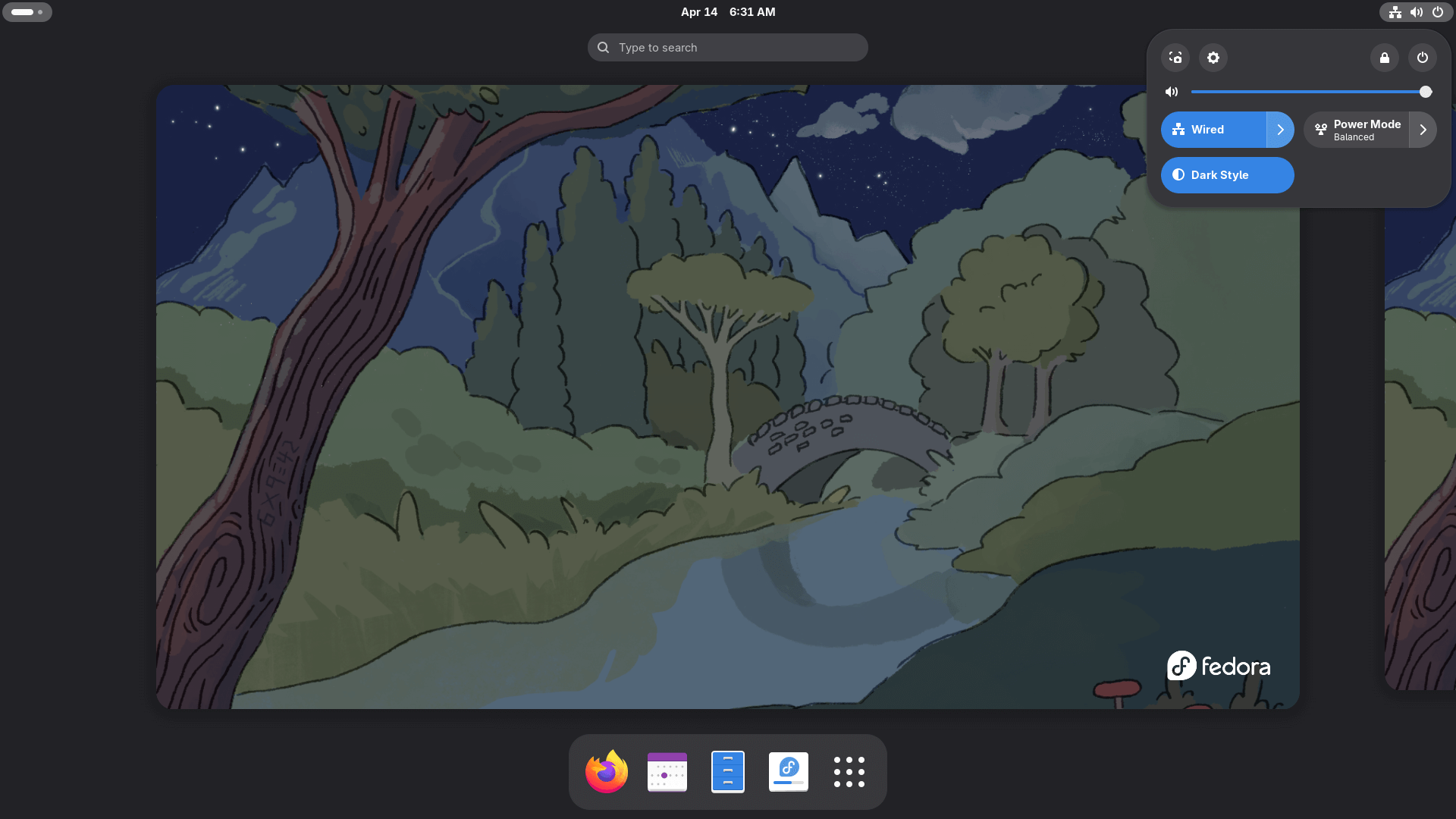
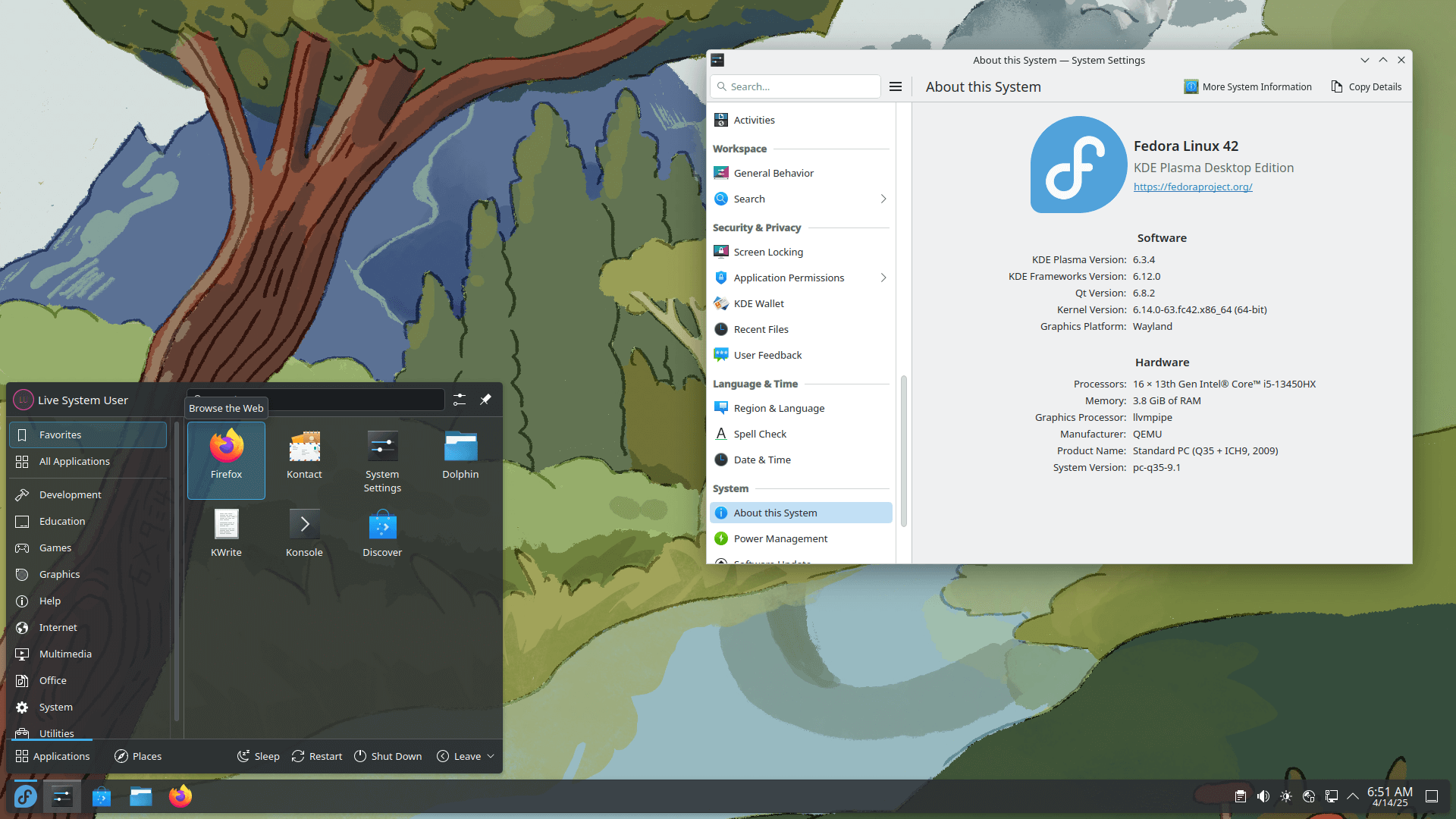
Why would I want to use Fedora?
You would want to use Fedora if you're looking for a perfect balance between the cutting-edge nature of a rolling-release and the stability of a long-term support release. It's a good choice for developers and gamers who need access to recent software/driver versions, but within a structured and thoroughly tested system. There are many Gaming distributions based off Fedora (such as Bazzite and Nobara), making it a solid distribution for gaming if you want a more minimal setup by default. Fedora Workstation is particularly famous for offering one of the best implementations of the GNOME desktop, and more recently the KDE Plasma desktop, providing a clean and modern user experience. Its commitment to open-source principles and its close ties to the professional Linux ecosystem make it a reliable and simple choice for a desktop or laptop.
Is Fedora beginner friendly?
For the most part, yes, Fedora is very beginner-friendly. The installation process is handled by a simple graphical installer, and the default desktops in both the Workstation and KDE Plasma editions are intuitive and easy to navigate. Basic tasks like Browse the web, managing files, and installing a wide variety of apps from the built-in Software Center are straightforward. The main hurdle for newcomers is Fedora's strict policy of not including proprietary (non-free) software by default. This means that to get things like drivers for NVIDIA graphics cards or certain multimedia codecs for video playback, you must enable the third-party repositories first. While this is a well-documented process, and a simple toggle during the onboarding, it's an extra step that new users may find confusing, where other distributions generally handle this better.