Linux Apps, and Software distribution
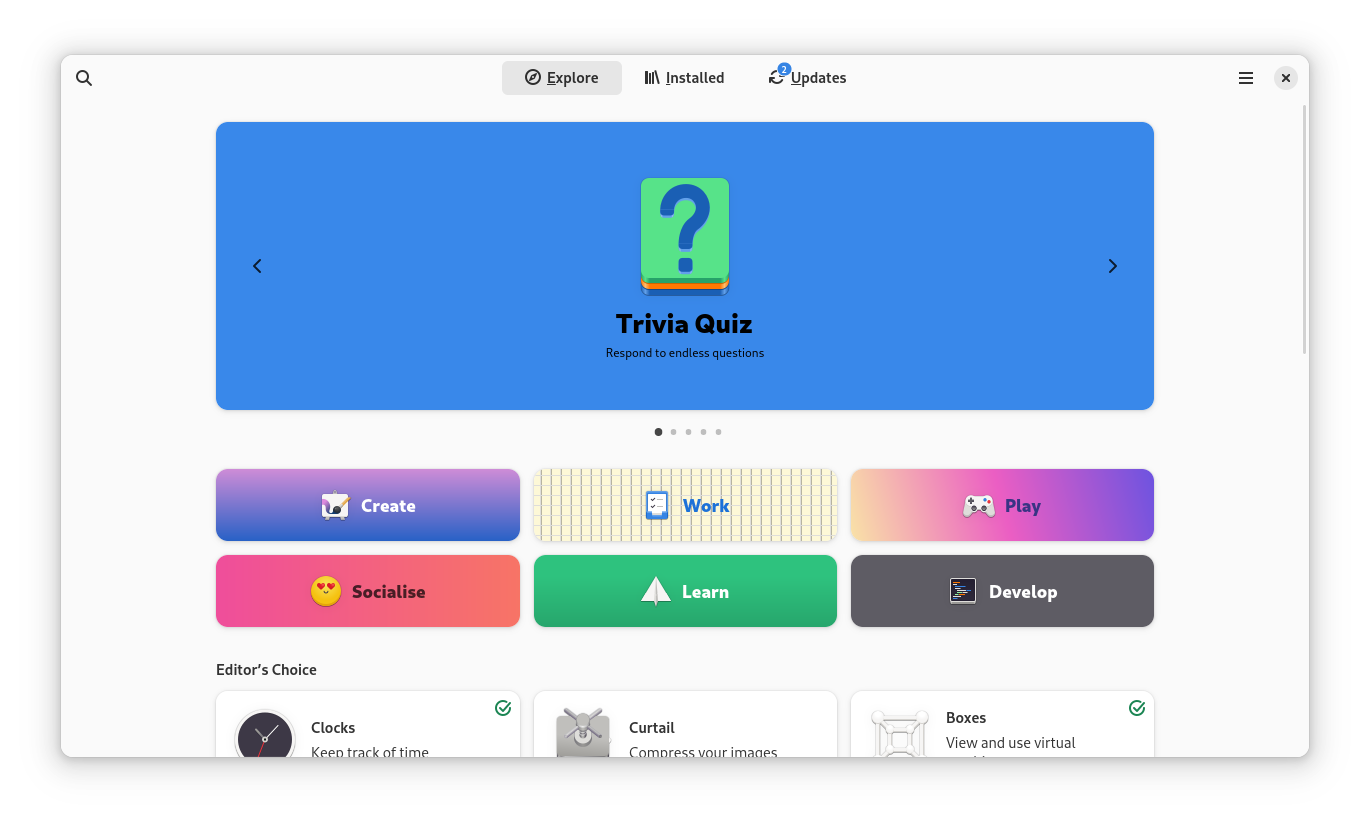
On Linux, software can come in several different formats, each with its own method of installation. Traditional packages like '.deb' for Debian/Ubuntu or '.rpm' for Fedora/RHEL are installed through your distro's package manager (e.g APT, DNF, Pacman). In recent years, more universal formats have appeared: Flatpaks are sandboxed applications that run on almost any Linux distribution, Snaps work similarly and are developed by Canonical, and AppImages are portable apps you can run without installing at all. Most Linux distros provide a graphical software center where you can search and install apps easily, though using the terminal remains very popular, and is a powerful option for those who prefer it.
What is FOSS?
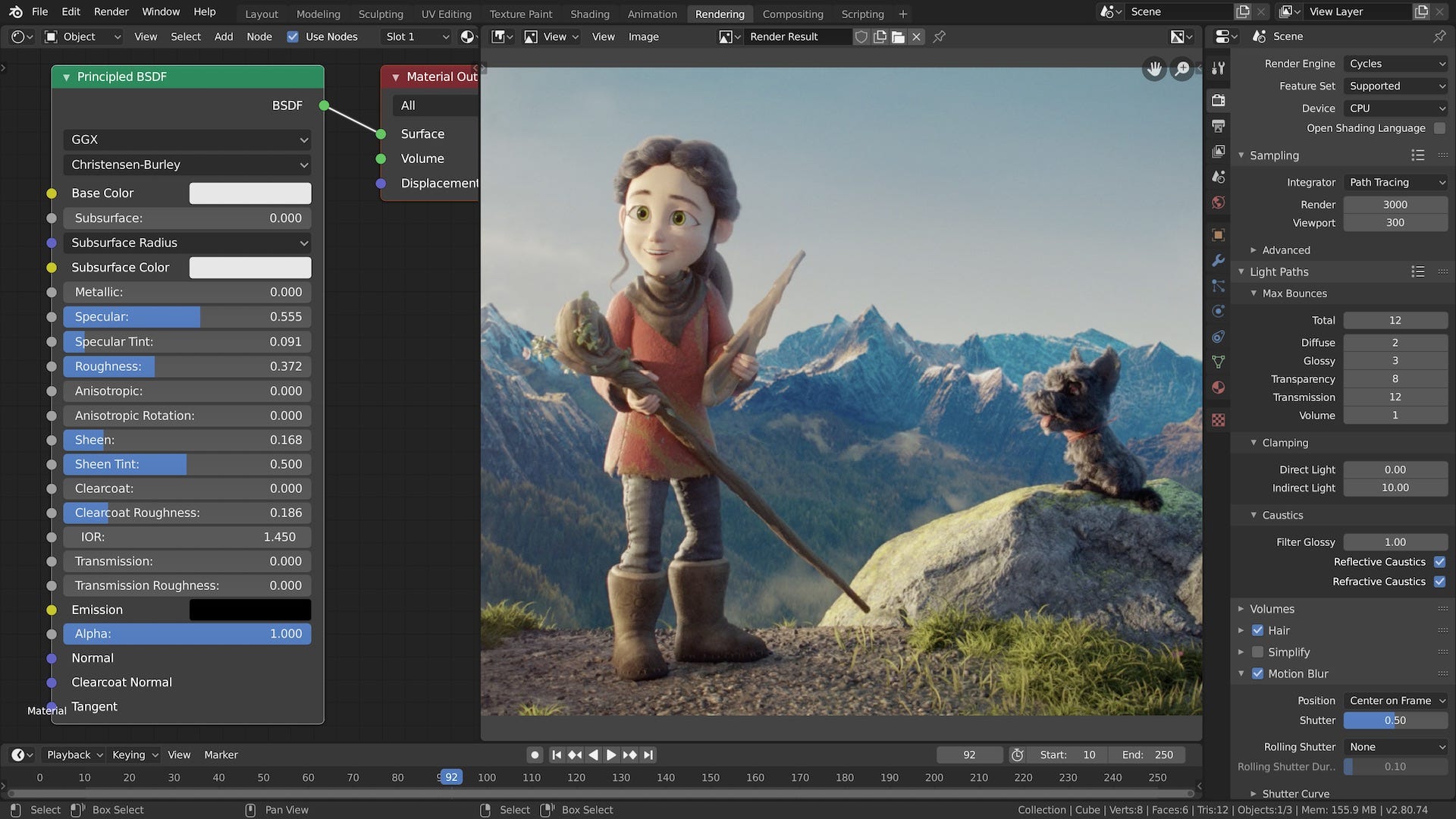
FOSS stands for Free and Open Source Software. This means software that anyone can view, modify, and share under an open license. Linux itself is FOSS, and much of its software ecosystem is built the same way. This means applications are often developed by global communities rather than a single company, meaning higher transparency, security, and collaboration. It also allows anyone with the skills and interest to contribute fixes, features, or translations, which is a huge reason why Linux has such a rich variety of software.
Alternatives to Popular Software
- Microsoft Office > LibreOffice, OnlyOffice
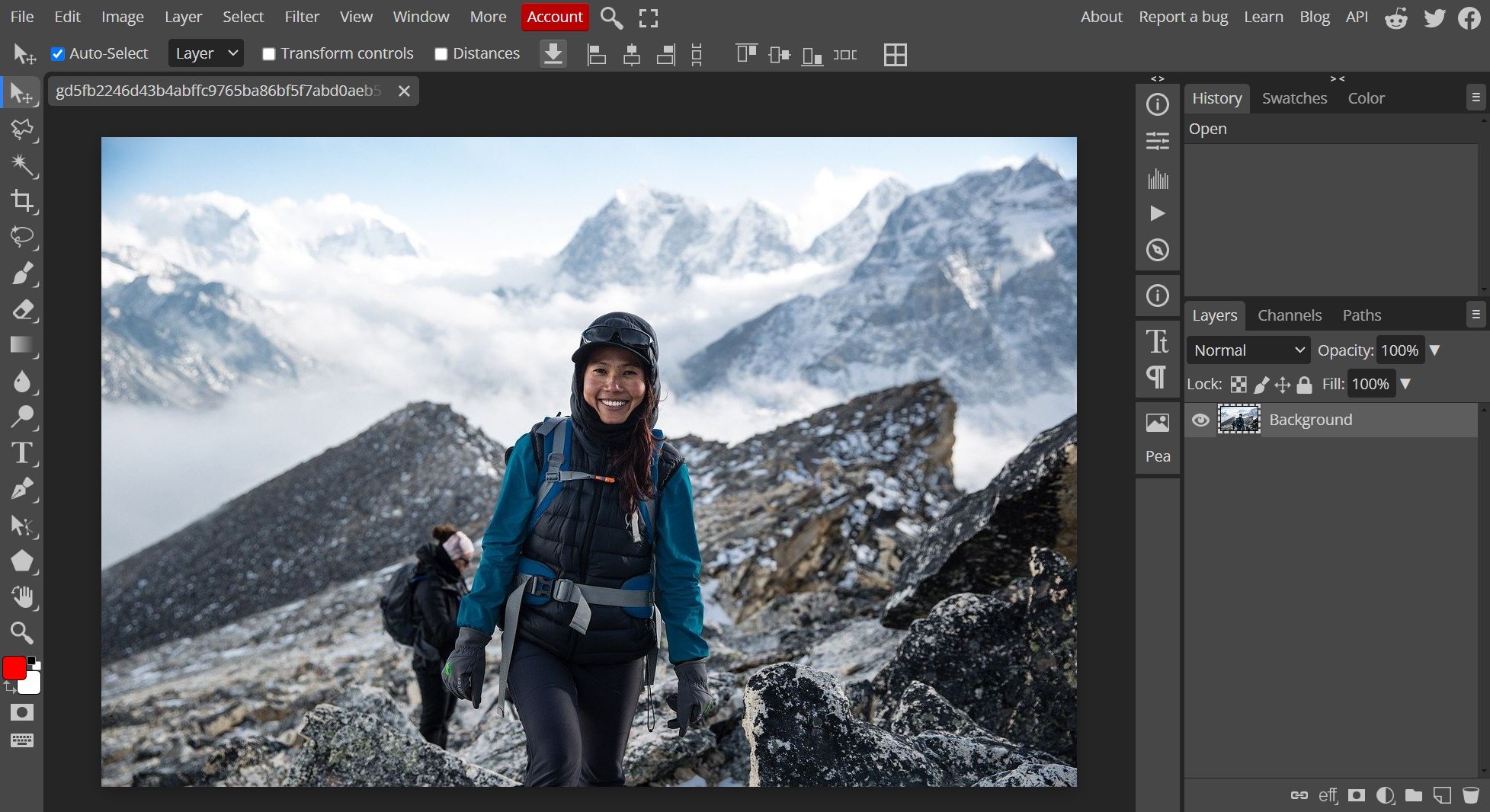
- Adobe Photoshop > GIMP, Photopea (web-based)
- Adobe Illustrator > Inkscape
- Adobe Premiere Pro > Davinci Resolve, Kdenlive, Shotcut
- Notepad++ > VScode, Kate, NotepadQQ
- Outlook > Thunderbird, Evolution
- MS Paint > Krita, Pinta
- Windows Media Player > VLC, MPV