
Why should I use Linux?
There are many reasons why you might want to consider switching to Linux. A major one for many users is privacy. Unlike proprietary operating systems, most Linux distributions don't collect your personal data. This means you have more control over your own information and can browse the web or use your computer without feeling like you're being monitored. Additionally, many Linux distros are completely free to download and use, with no hidden costs for licenses or upgrades. This can save you a lot of money over time.
Linux is also known for being very stable and secure. You'll find that crashes are rare, and you generally don't need antivirus software, as viruses and other malicious software are far less common. For those with older computers, Linux is a great way to give them a second life, as it's typically much lighter on system resources than other operating systems. It’s also highly customizable, allowing you to change everything from the look and feel of your desktop to the very core of how your system operates.
Finally, Linux is always getting better, more software/hardware is being supported every day, and the negatives of using Linux are slowly disappearing. Is it a perfect experience without flaws? Nah, but Windows is arguably worse. Join the penguin revolution today! (or tommorow, i dont mind :D)
Where do I even start?
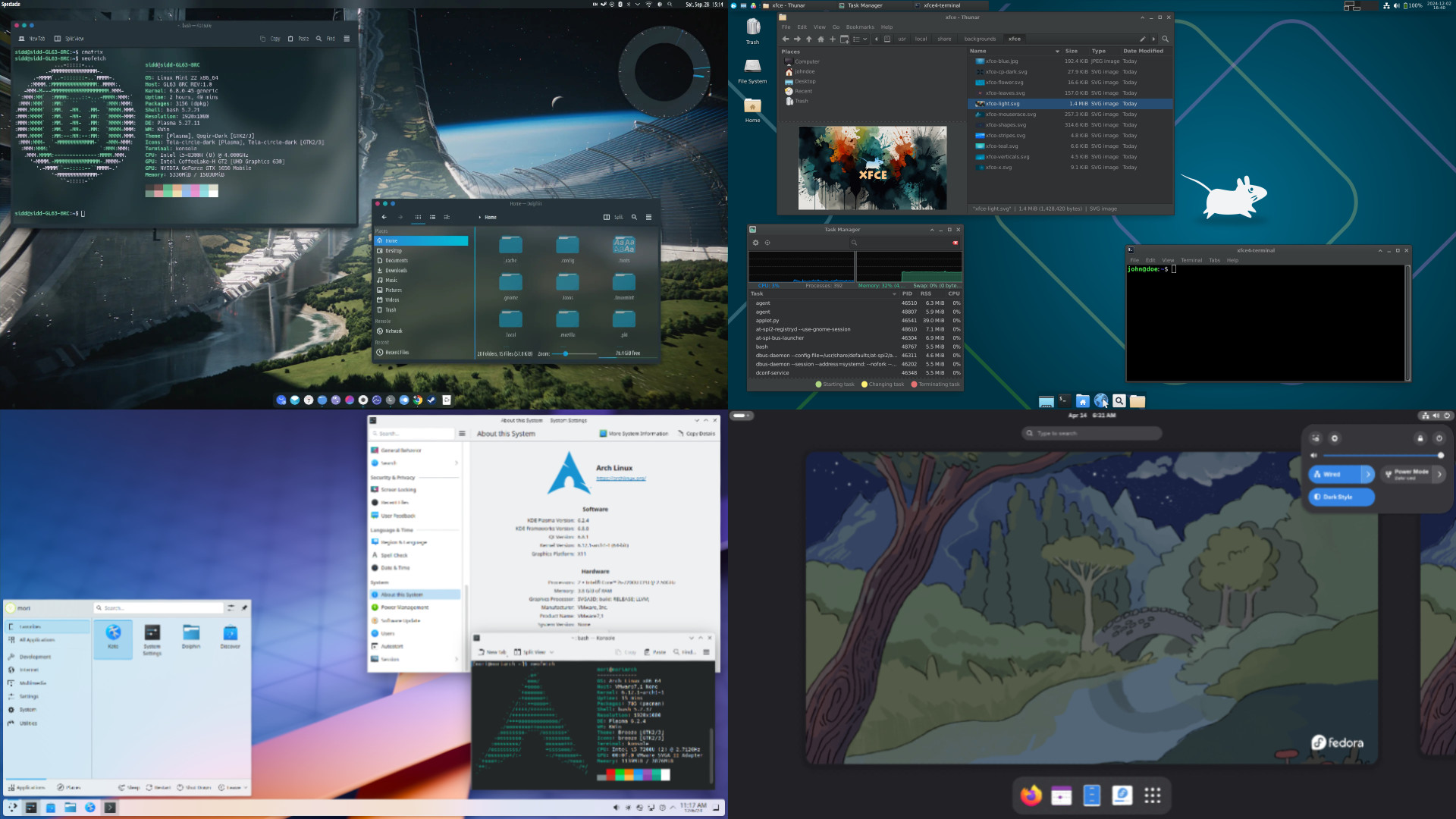
The first step can be the most daunting, but it doesn't have to be. The most common question newcomers have is "Which Linux distribution should I use?" There are hundreds of distros available, each with a different focus, such as ease of use, security, or a specific design aesthetic. Don't worry, you don't need to become an expert overnight. A great way to begin is to use our distro questionnaire on this website. It asks you a few simple questions about your needs and preferences, such as what device you have, and what kind of desktop environment you prefer (e.g., a traditional Windows-like interface or something more modern), and it will recommend a few popular and beginner-friendly options for you to try.
Once its reccomended you a distro, visit the page about it on this website and have a read. If it seems like a good fit, feel free to download the live ISO, and give it a shot. You will need a flash drive you are happy with erasing.
The most important thing to remember is that there's no single "best" distro. What works for one person may not work for another, and that's perfectly okay. The goal is to find one that feels comfortable and gets the job done for you.
Alright, ive got a distro, now what?
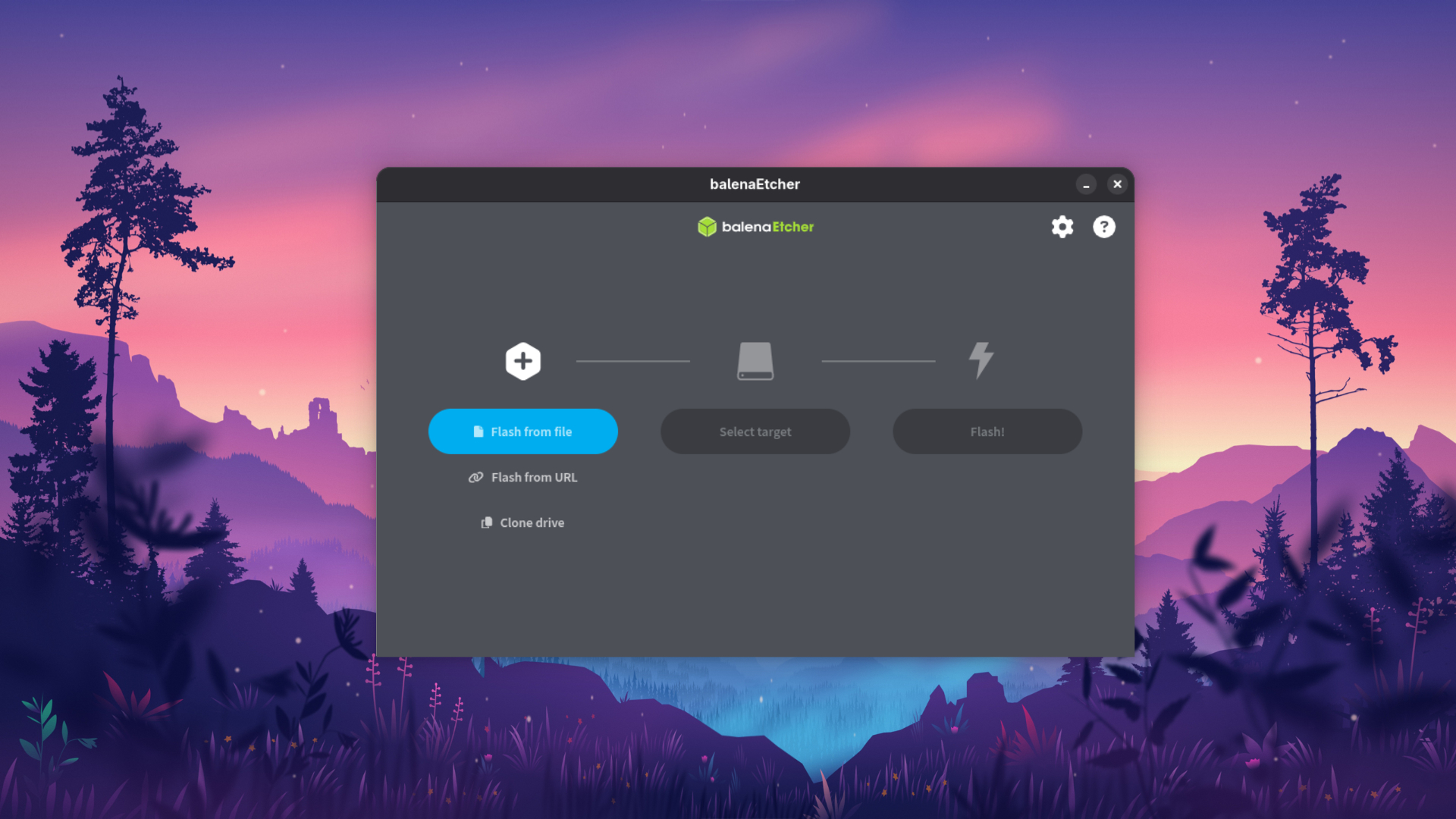
Once you've chosen a distro, the next step is to create a "live" USB drive. This is a special type of bootable USB that allows you to run Linux directly from the drive without installing anything on your computer's hard drive. It's the perfect way to test out a distro and see if you like it. You can see how your hardware works with Linux, explore the desktop environment, and even install and try some software. It's completely safe and won't affect your current operating system at all.
If you like what you see and decide to make the switch, you can then proceed with the installation. All modern Linux distros include a graphical installer that guides you through the process step by step. You can choose to either dual-boot (install Linux alongside your existing operating system) or completely replace your current OS. Whichever you choose, the installer will handle all the technical details for you, making the process surprisingly straightforward.
If you would like to Dualboot, please checkout the Dualbooting/Partitioning page below
Before you install!
Please consider the following before installing Linux.
1 - You may not like it, but play around first.
Please understand that Linux isn't for everyone. The initial experience of trying a new operating system can be a lot to take in, and you may find that it doesn't immediately click with your workflow or preferences. The most important thing to remember is that if your first choice of distro doesn't feel right, you shouldn't give up on Linux entirely. Because there are so many different distributions available, it is highly likely that another one will work better for you. The issues you might encounter on one distro, like a specific piece of new hardware not being supported, an older kernel not having the latest drivers, or a desktop environment missing a feature you rely on, may not be an issue at all on another. Take advantage of the live USB option to try out a few different distros before you commit to an installation. You might be surprised at how much variety there is!
2 - Installing Linux isn't Risk Free
While installing Linux has become incredibly user-friendly, it’s crucial to understand that the process is not without risk, especially if you are setting up a dual-boot system. Dual-booting involves partitioning your hard disk, which is the process of dividing it into separate sections to house different operating systems. If this is done incorrectly, you could potentially lose data or make your existing operating system unbootable. Therefore, it is strongly recommended that you back up all of your important files before you begin the installation process. Although most modern installers are designed to be safe and guide you through the process, having a backup ensures that your data is protected no matter what. It is always better to be safe than sorry!
3 - Linux is not a replacement for Windows.
It's important to change your mindset and understand that Linux is not a simple "replacement" for Windows, nor is it a clone. While you will find many similar functions and a familiar desktop layout in many distributions, Linux operates on a fundamentally different foundation. You shouldn't expect to be able to use all of your old Windows applications without effort (though some may work with tools like Wine). Instead, you should embrace the fact that Linux offers a new and powerful way of doing things. The vast majority of software you will need, from office suites and web browsers to video editors and games, are available natively for Linux. Many of these are open-source and free, and you may even find that you prefer them to your old applications. Linux offers a new beginning, not just a carbon copy of your past.
4 - Things may work differently than you expect.
Even if you find a Linux distribution with a desktop environment that looks very similar to Windows, you should be prepared for some things to work differently than you're used to. For example, some keyboard shortcuts might be different, file system paths are structured in a unique way, and certain system settings are located in different places. The process for installing software is also handled differently, as you now have powerful package managers and graphical software centers at your disposal. While the initial learning curve might feel a little steep, these differences are not a bad thing. They are a reflection of a different design philosophy, one that often leads to a more stable, secure, and efficient system. The best approach is to be patient and open to learning new ways of accomplishing tasks; you’ll be a pro in no time.
5 - Linux is not a perfect operating system.
No operating system is perfect, and Linux is no exception. While it boasts many strengths like security, stability, and customization, it also has its limitations. For example, some very specific, industry-standard software (like Adobe Creative Cloud or Microsoft Office) may not have native versions for Linux, although excellent free and open-source alternatives are available. While gaming on Linux has come a long way in recent years, some games and anti-cheat systems still have compatibility issues. Additionally, you may occasionally run into a hardware component that doesn’t have a fully functional driver, though this is becoming increasingly rare. The key is to have realistic expectations. Linux is a powerful, flexible, and free operating system that can do almost anything you need it to, but it's important to be aware of its potential drawbacks so you can make an informed decision.