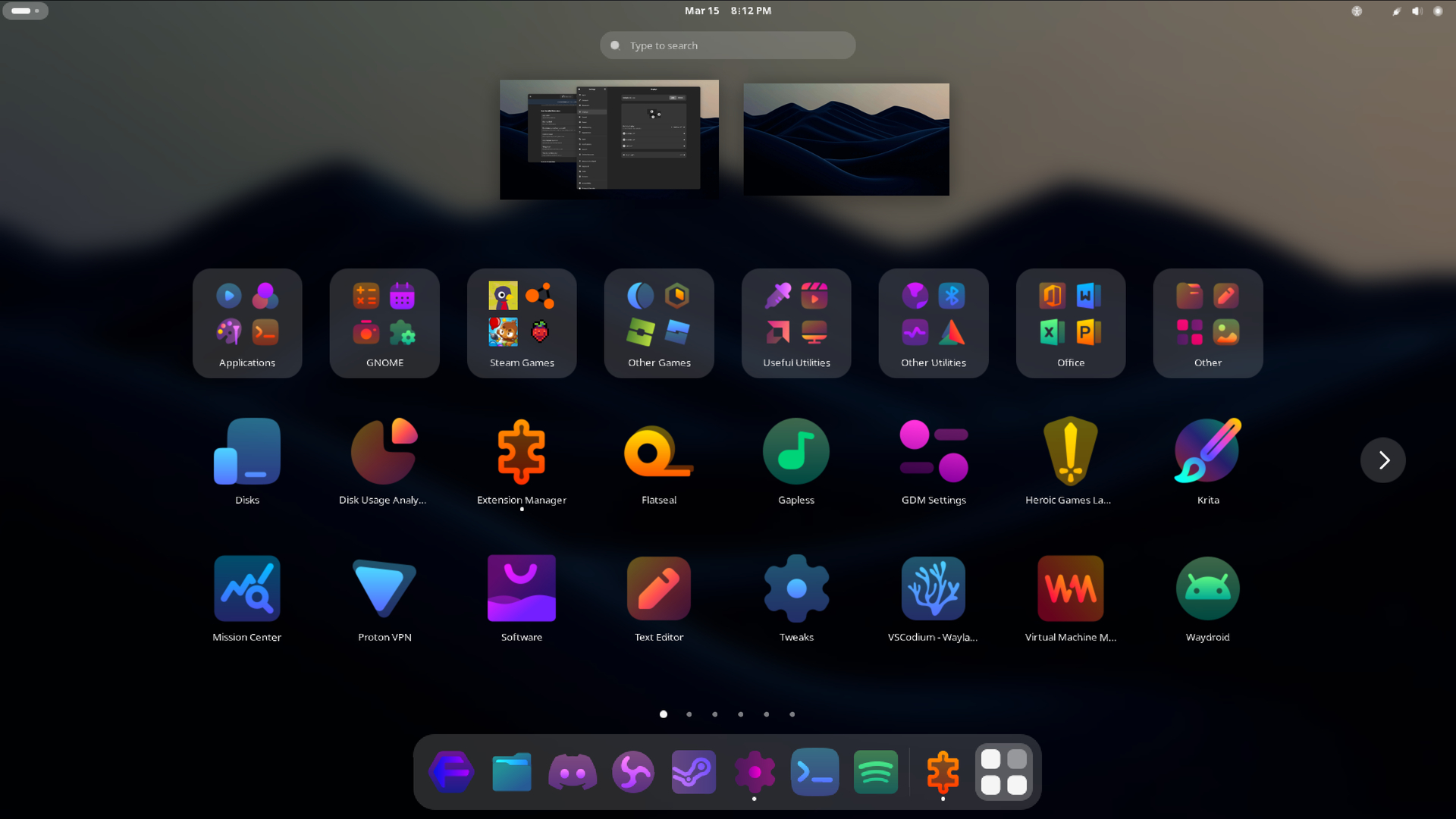
What are Desktops & Window Managers?
A “desktop” (or Desktop Environment/DE) in Linux is a complete workspace you use to interact with your computer. It doesn’t just control how windows look, it usually comes with a set of bundled apps, like a file manager, a settings app, a text editor, and sometimes even a web browser. Examples include GNOME, KDE Plasma, and Cinnamon, which aim to provide a polished, ready-to-use system right after installation. A window manager on the other hand, focuses purely on arranging and controlling your application windows. Standalone window managers, especially tiling ones like i3 or Hyprlad often come with no extra apps, leaving you to choose and configure every tool yourself (usually through a config file). An easy way to look at it, is desktop environments are more “plug-and-play,” while window managers are more building your own workspace from scratch.
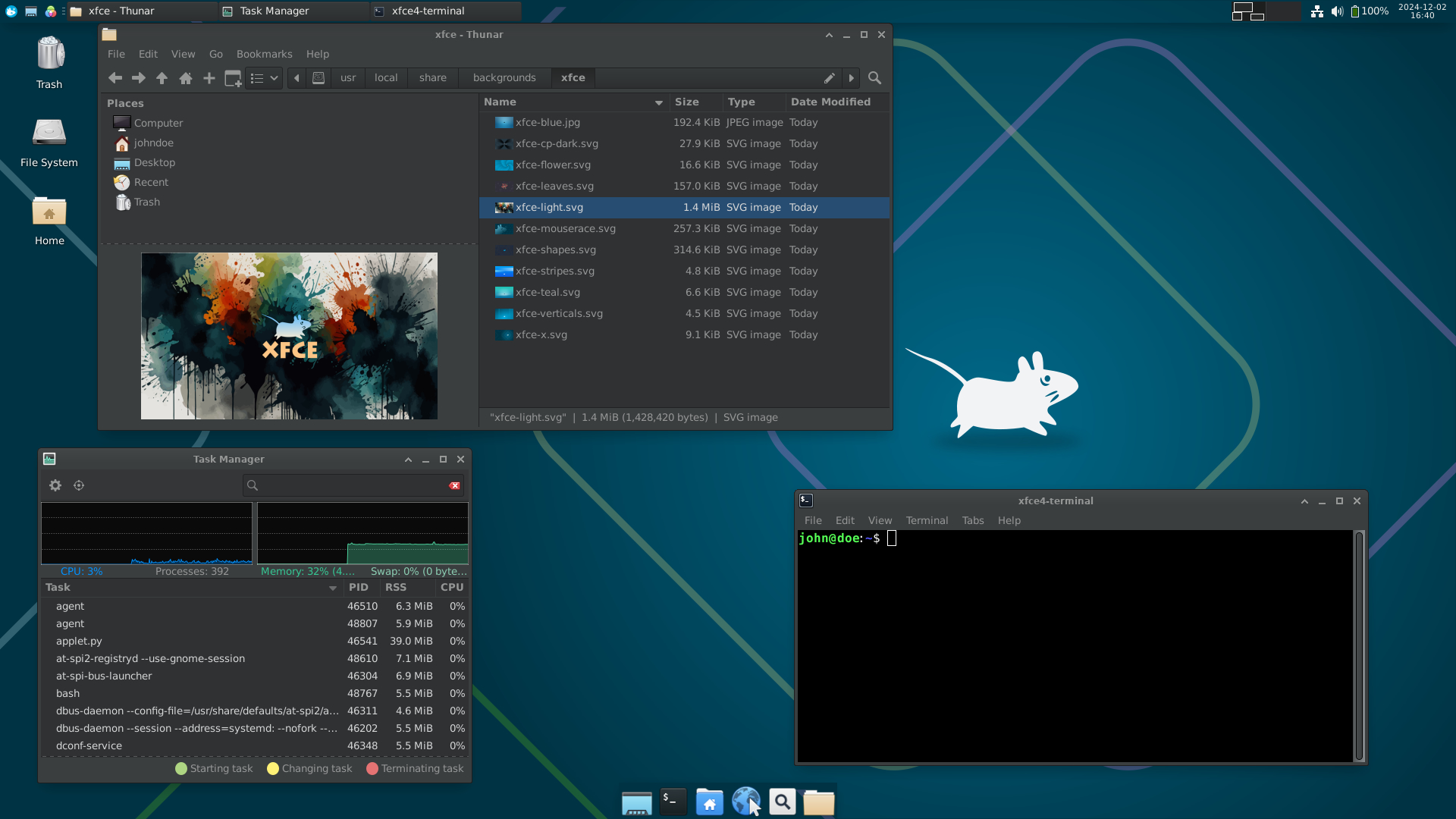
Wait, so whats a Distro then?
A desktop environment or window manager is not the same thing as a Linux distribution. A distro (short for distribution) is the complete operating system package, which includes the Linux kernel, system tools, and usually a preselected desktop environment or window manager. For example, Ubuntu ships with GNOME by default, Linux Mint uses Cinnamon, and Kubuntu uses KDE Plasma. These desktops are often preconfigured by the distro’s maintainers with a certain look, set of default apps, and helpful settings so you can start using the system right away. Under the hood, you could install the same desktop environment on almost any distro! it’s just that the defaults, themes, and included software may vary depending on the distribution you choose.
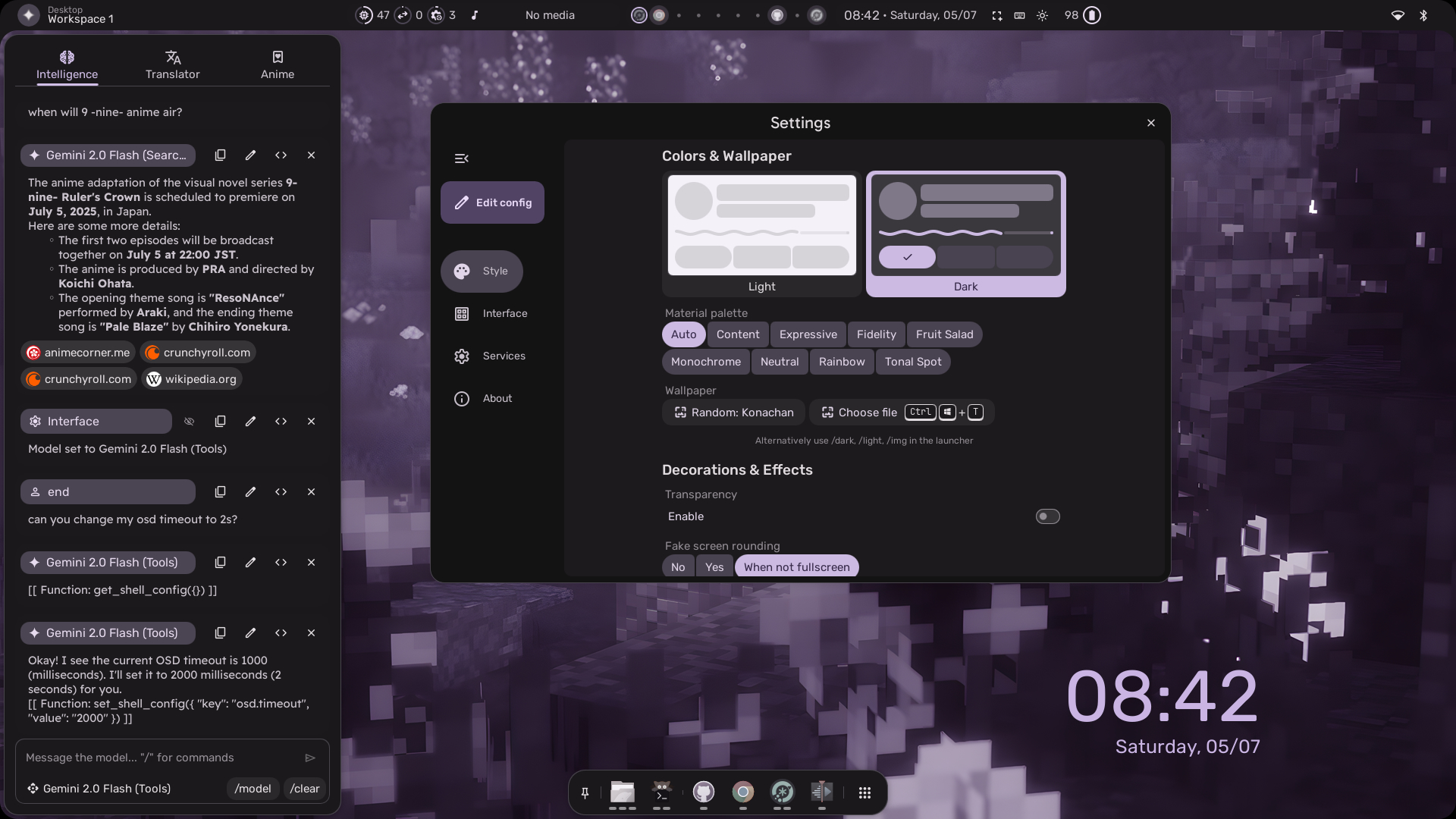
What should I use?
If you’re new to Linux, the best choice often depends on your priorities. If you want something polished, beginner-friendly, and similar to what you’re used to on Windows or macOS, start with a full desktop environment like KDE Plasma or Cinnamon. They come with familiar layouts, built-in tools, and easy settings menus. If you’re on older hardware or prefer speed over fancy effects, lighter options like Xfce or LXQt are great picks. Window managers—such as i3, Sway, DWM or Hyprland re best for users who enjoy tweaking every detail and are comfortable setting things up from scratch. There’s no “wrong” choice in Linux, and you can try different desktops and managers until you find one that feels right for you.
Some popular Desktops/WMs
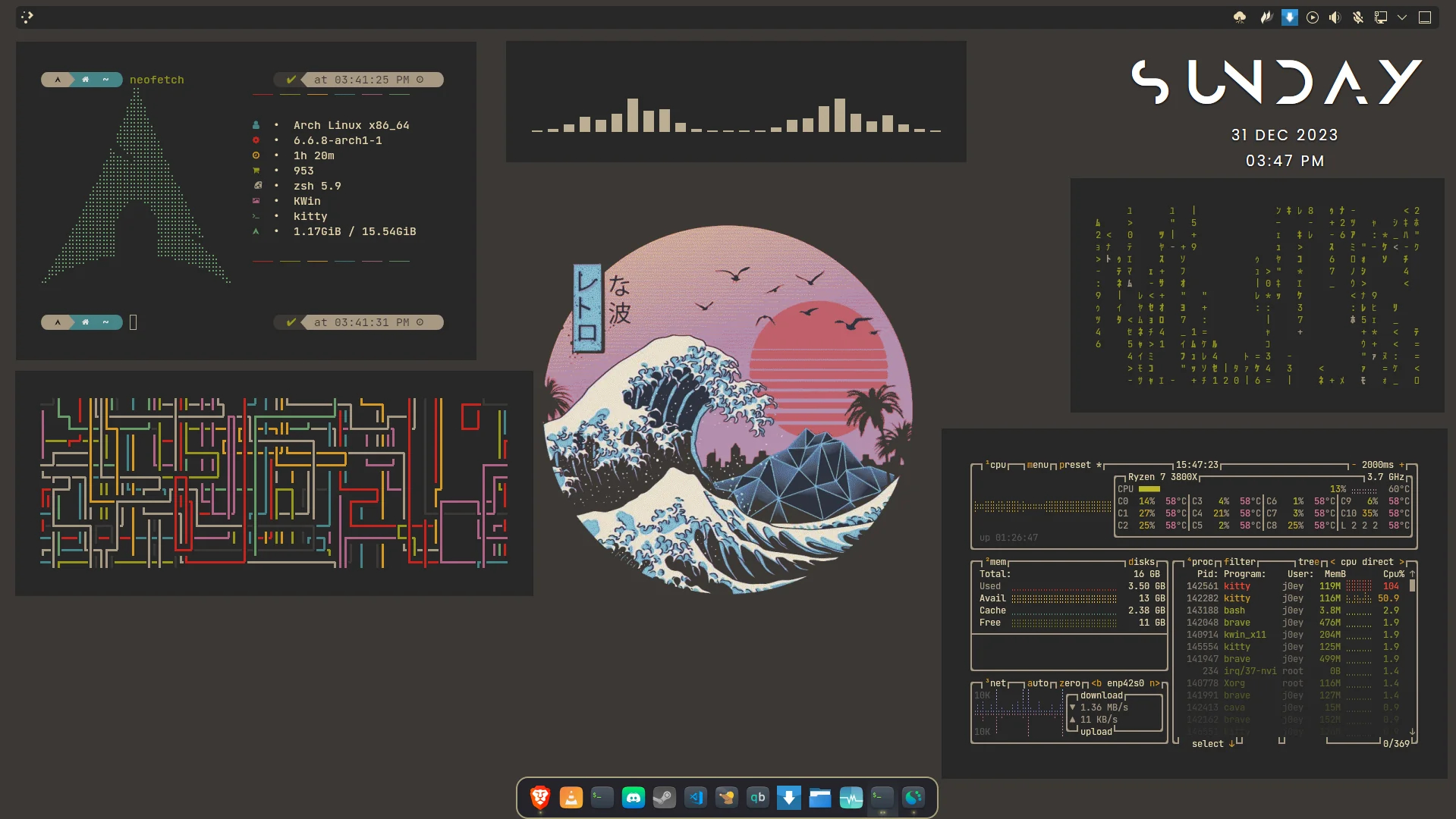
KDE Plasma (customized)
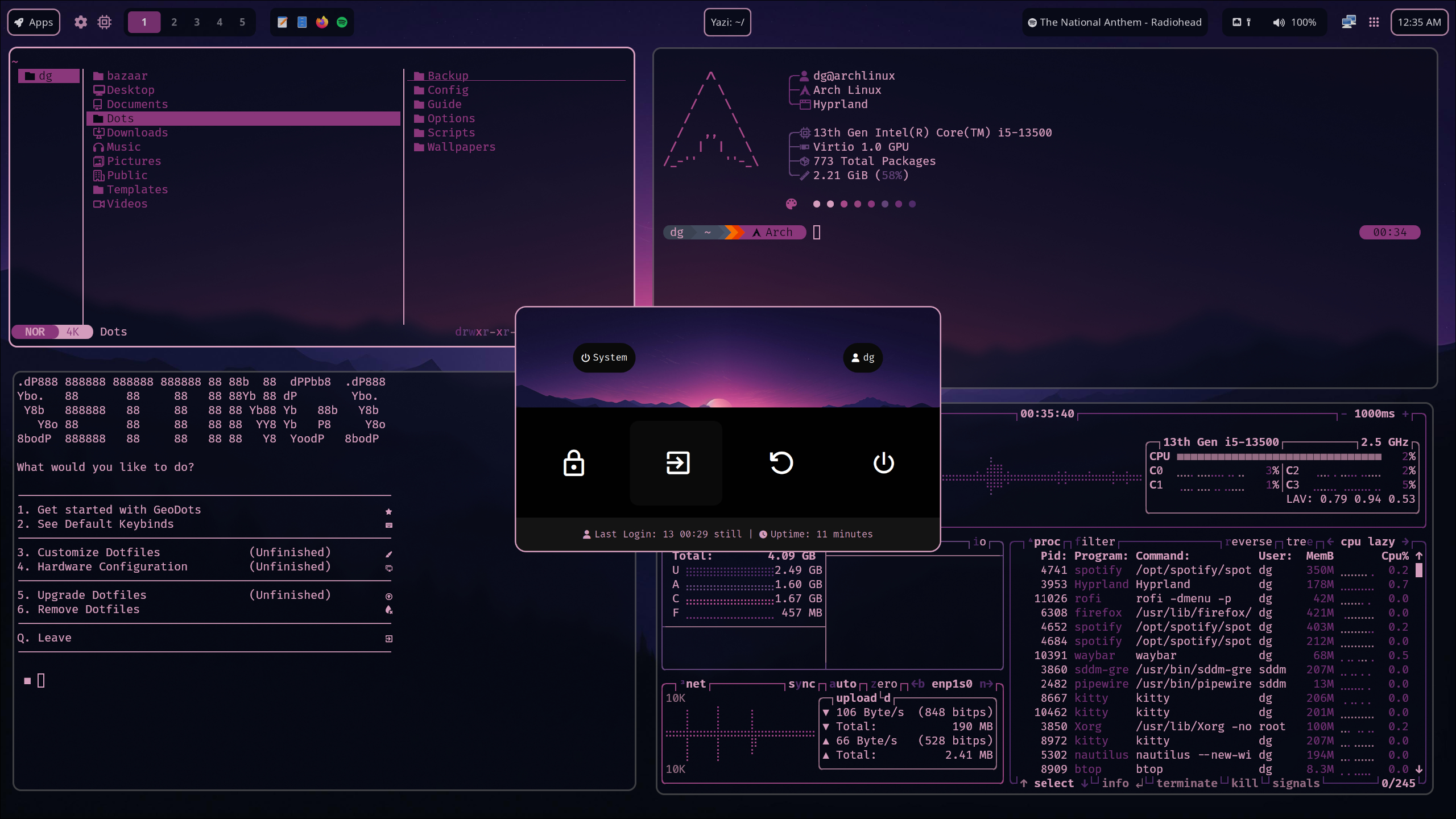
Hyprland (GeoDots Dotfiles)