What is QT/GTK?
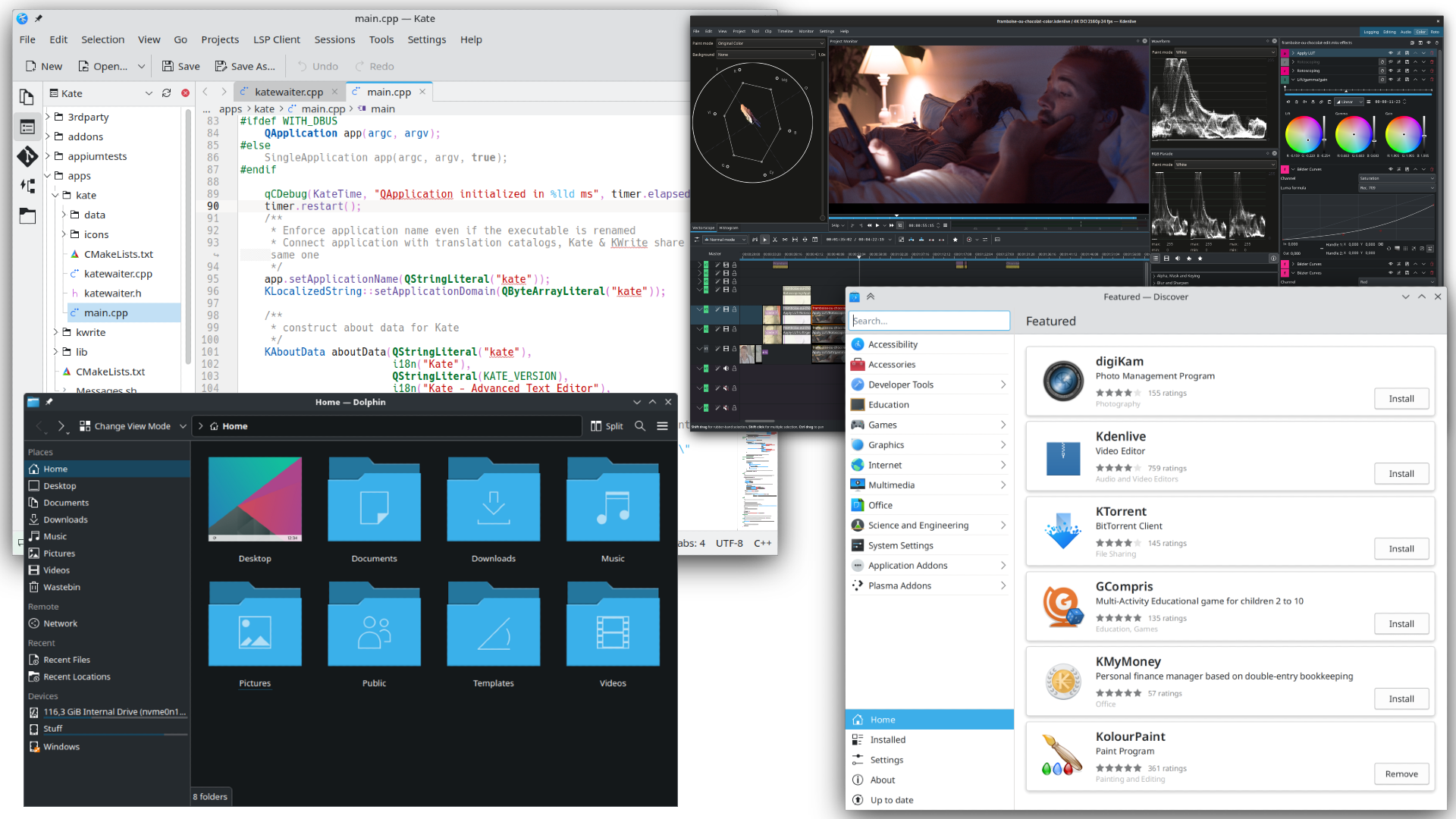
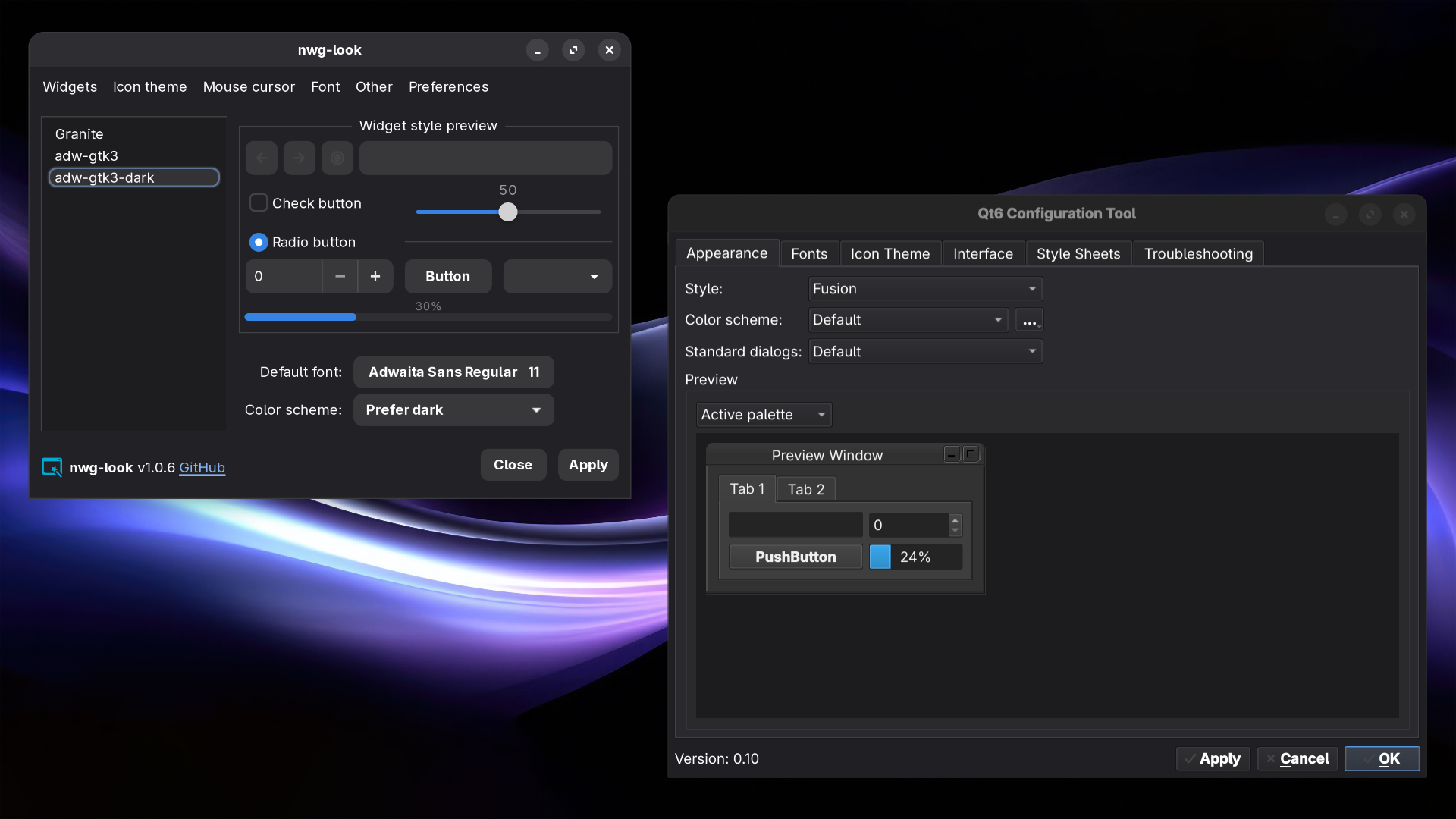
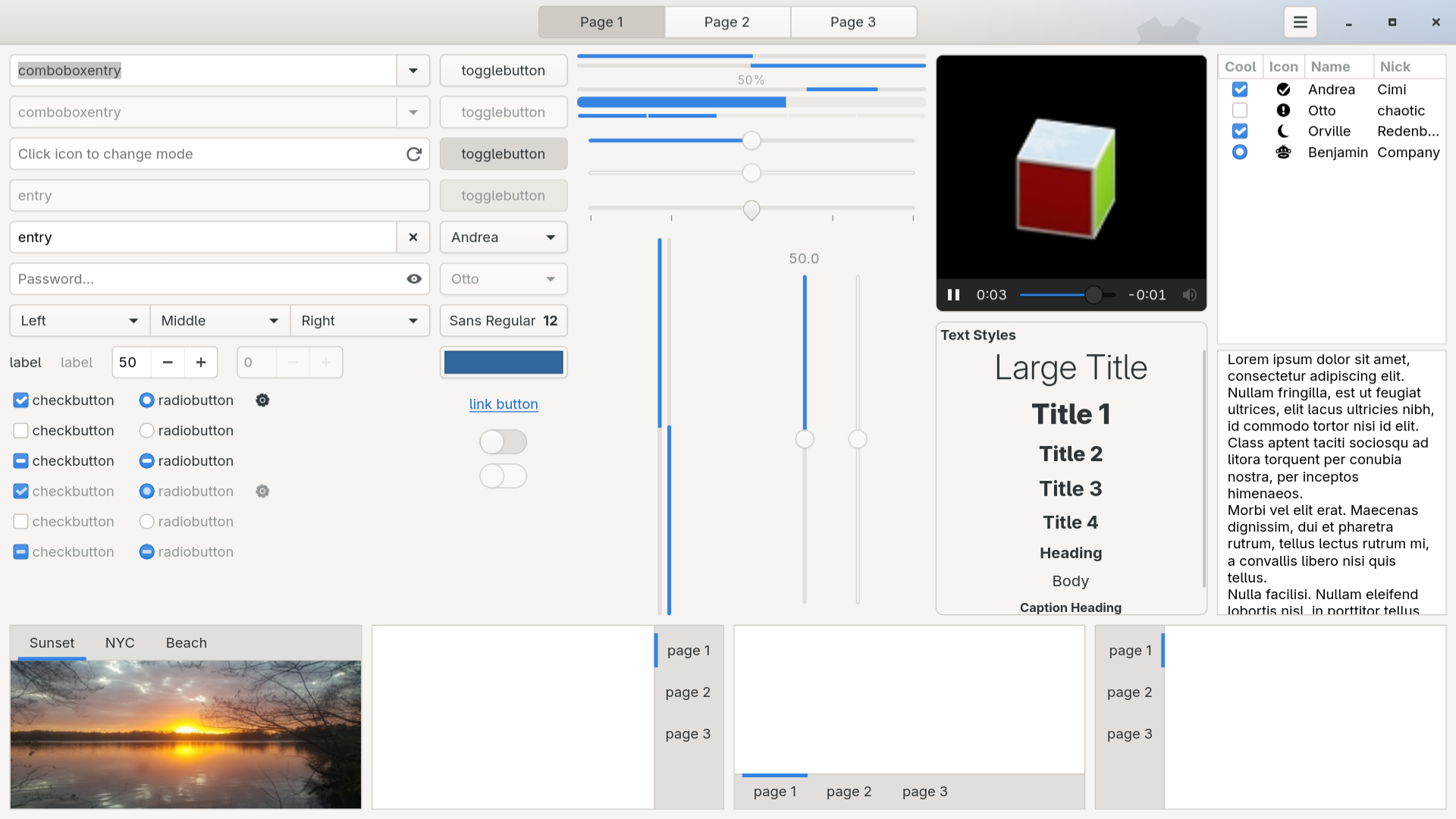
GTK and QT are toolkits used for creating graphical interfaces (GUIs). These frameworks are used to create applications and interfaces, providing elements like buttons, sliders, and the windows themselves. These are the two most common toolkits in Linux, GTK being used by the GNOME, Xfce, and Cinnamon desktops, and QT being used by the KDE Plasma and LXQT desktops, as well as many cross-platform apps. You can see these toolkits in different Linux ecosystem applications, GTK being seen in apps like the GNOME Files (nautilus), GNOME Web, and many Flathub apps. Qt shows up in programs like KDE’s Dolphin file manager, Krita, or VLC. Even though they do similar things, they each have a distinct style that you’ll start to recognize over time.
What toolkit is better?
There is no real 'better' toolkit between GTK and QT. GTK apps generally follow GNOME’s Human Interface Guidelines (HIG), which aim for a clean, simple, and distraction-free layout. Qt apps often pack in more features, more customization options, and a slightly different feel to menus and controls. I would look for GTK apps if you want a simplistic, consistent, and easy to use application. I would look for QT applications if you are looking for a good a selection of modern, flexible interfaces with tons of customization. QT is also fast, and apps based around it usually have more configuration options when compared to GTK based applications.
Preview of GTK vs QT
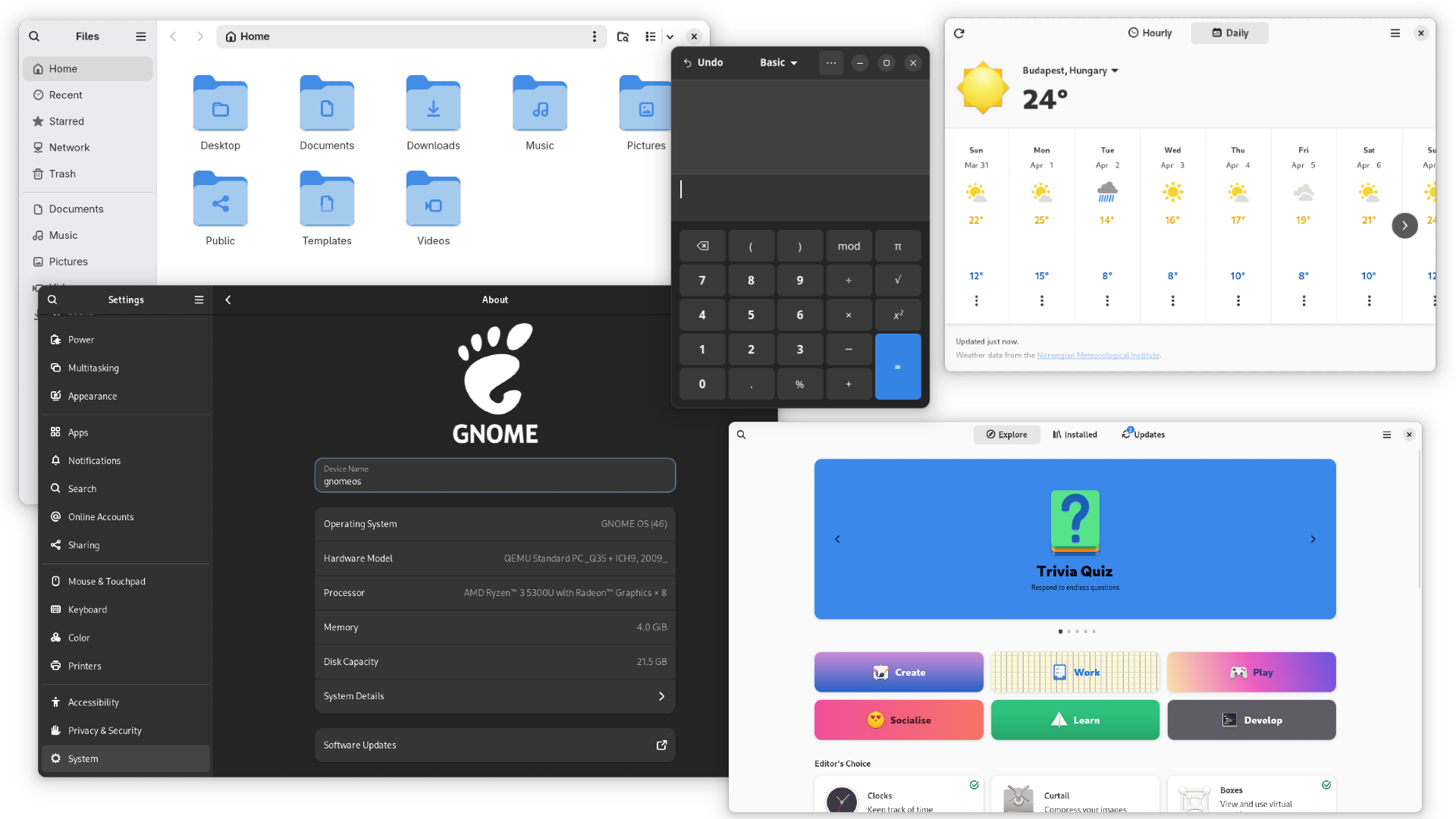
GTK (Libadwaita)