
Why should I read Wikis?
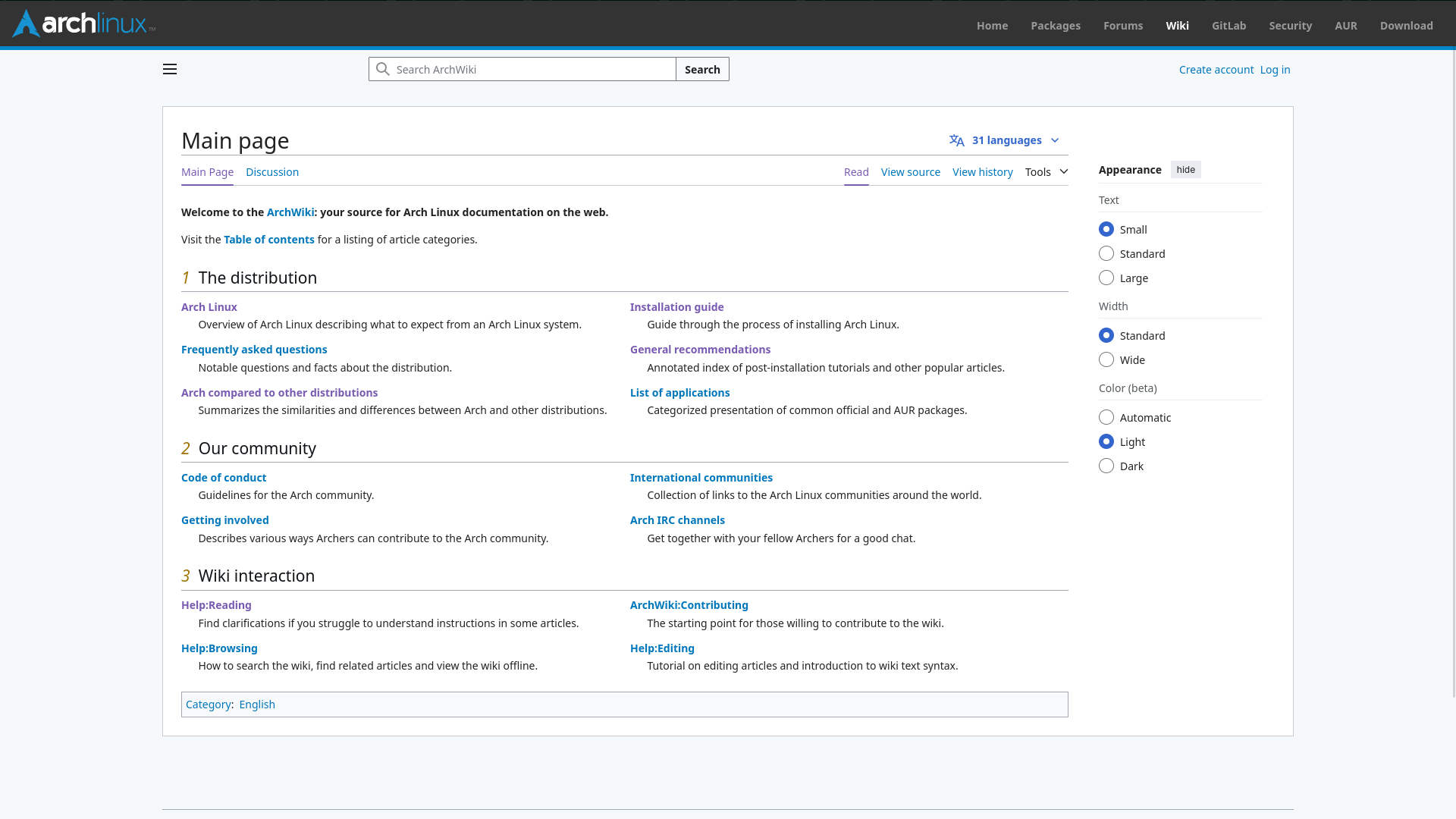
Linux wikis are an invaluable resource for both new and experienced users. The most popular ones, like the Arch Wiki, contain a vast amount of community-contributed information on everything from basic installation guides to advanced troubleshooting tips. These wikis are often more up-to-date and comprehensive than official documentation or forum posts because they are constantly being edited and improved by a large community of users. If you have a specific hardware issue, need to configure a new piece of software, or just want to learn more about a Linux concept, a wiki is often the best place to start. Think of it as a comprehensive, always-available textbook for your operating system. Learning to navigate and use these resources effectively will empower you to solve problems on your own and deepen your understanding of how Linux works.
How can I read Wikis effectively?
Reading a Linux wiki is a skill in itself. The pages can sometimes be dense with information, but with a bit of practice, you can get to what you need quickly. Start by using the table of contents at the top of the page to navigate directly to the relevant section. Don't be intimidated by the technical details; often, the key information is in the first paragraph of a section or highlighted in a code block. If you encounter a term you don't understand, look for a hyperlink, as most wikis link to other pages that explain specific concepts. For more help, the Arch Wiki has a page dedicated to teaching you how to read its content effectively. It provides tips on how to search for information, understand the structure of pages, and interpret different kinds of formatting.
If I get stuck, what should I do?
If you get stuck on a problem and can't find the answer in a wiki, don't panic! The Linux community is known for being very helpful. The best first step is to seek out help on a forum or subreddit dedicated to your specific Linux distribution. When you ask for help, be sure to provide as much detail as possible. This includes a clear description of the problem, any error messages you've received, and what steps you've already taken to try to fix it. This will help others understand your issue and provide a solution more quickly. The key is to be patient and polite; remember that the people helping you are volunteers. With a little bit